This project brings together several approaches to web scraping using
Selenium and BeautifulSoup, with webdriver_manager
handling browser drivers. The goal is to extract data from different websites
automatically and reproducibly, applying good practices along the way: text cleanup,
price parsing and dynamic scrolling on pages that load content progressively.
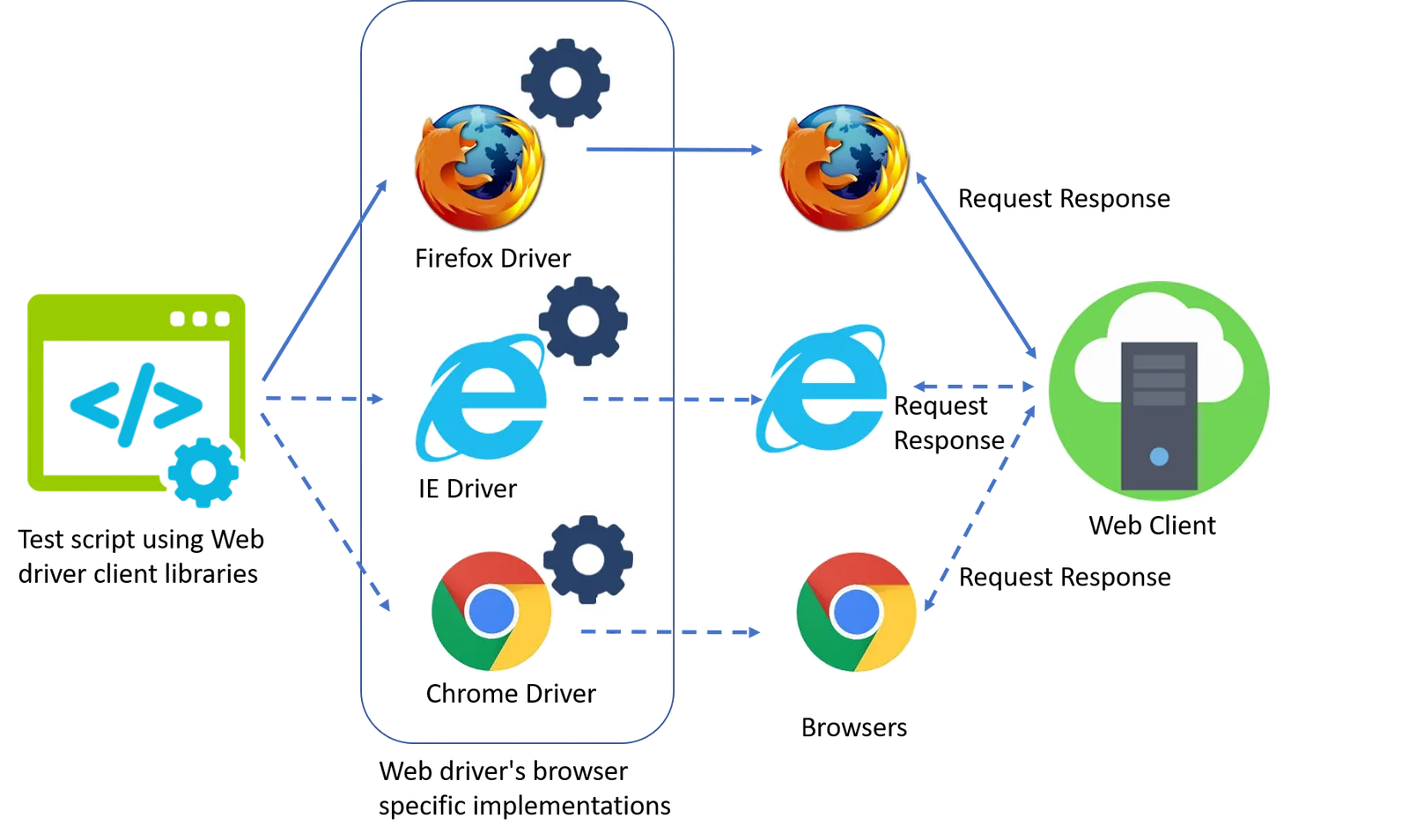
Selenium drives a real browser, which makes it possible to log in, get past intermediate screens and click through interfaces. That opens up sites that render their content asynchronously, where static HTML alone is not enough.
1. The Web_driver class
The class initializes a Chrome browser and groups the helpers used everywhere else:
get_gender() infers the product's gender from the URL, and the
fix_* methods normalize text and currency values.
class Web_driver:
    def __init__(self):
        options = webdriver.ChromeOptions()
        options.add_experimental_option('excludeSwitches', ['enable-logging'])
        self.driver = webdriver.Chrome(ChromeDriverManager().install(), options=options)

    def get_gender(self, page):
        # 'hombre' | 'mujer' from the page URL

    def fix_text(self, text):
        # strip whitespace and special characters

    def fix_currency(self, value):
        # "$ 129.900" -> 129900.0

    def scroll_to(self, xpath):
        # scroll until the element is in view
2. Scraping a full catalog
true() walks the men's and women's pages of a store, scrolls until no
new products appear, collects name, price, discount, image and link for each item,
and returns everything as a DataFrame.
def true(self):
    urls = ['https://trueshop.co/pages/hombre', 'https://trueshop.co/pages/mujer']
    rows = []
    for page in self.expand_pages(urls):
        self.driver.get(page)
        while True:
            # scroll + extract visible items
            rows.append({
                'fecha': date.today(),
                'foto': photo,
                'posicion': position,
                'marca': 'True',
                'pag': page,
                'nombre': name,
                'precio': visible_price,
                'precio descuento': old_price,
                'categoria': category,
                'genero': gender,
                'link': link,
            })
            if not self.load_more():
                break
    return pd.DataFrame(rows)
3. Automating a login (Prime Video)
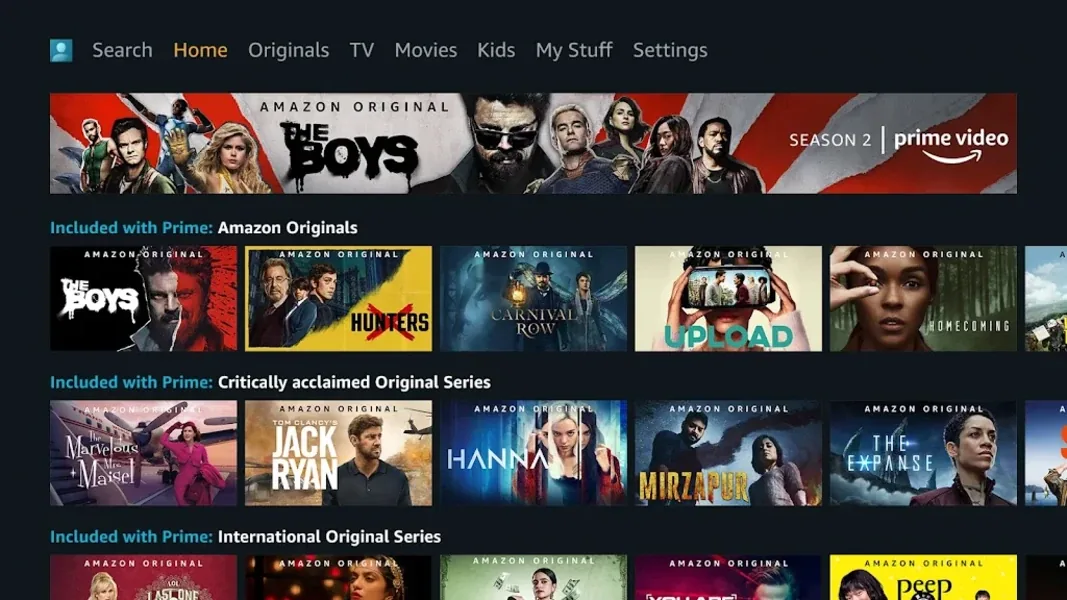
The toolkit also automates logins on streaming services to extract series, episodes and direct links. For Prime Video the flow is: open the site, click the login button, fill in the credentials, type the search term and store the link of every episode.
driver = webdriver.Chrome()
driver.get("https://www.primevideo.com/")

login_button = driver.find_element(By.XPATH, './/a[@class="dv-copy-button"]')
login_button.click()

email_field = driver.find_element(By.XPATH, './/input[@type="email"]')
email_field.send_keys(user_name)
# ...
4. Automating a login (Star+)
Star+ adds intermediate screens — "Continue" buttons, profile selection — so the sequence handles each step explicitly before reaching the content.
driver = webdriver.Chrome()
driver.get("https://www.starplus.com")

driver.find_element(By.XPATH, './/a[@href="/login"]').click()
driver.find_element(By.XPATH, './/button[@aria-label="Aceptar y continuar"]').click()
# ...
Takeaways
The same building blocks — a browser under program control, text and price normalization, infinite-scroll handling and login automation — adapt to very different contexts, from online stores to streaming services. The result is datasets ready for business analysis, or simply a way to centralize the content you care about.